How it works
Close out the job
The contractor marks an in-progress project complete.
Share the experience
The client rates the work and can add a written comment.
Reply as a company
A company owner can add a public reply to a client review.
Start the next conversation
The client can message or request an appointment with a past contractor.
Leave a review after a project
After a project is completed, a client can open its review form. Rate quality of work, communication, speed, and the overall outcome from one to five stars. A written comment is optional. Every rating is required before submitting.
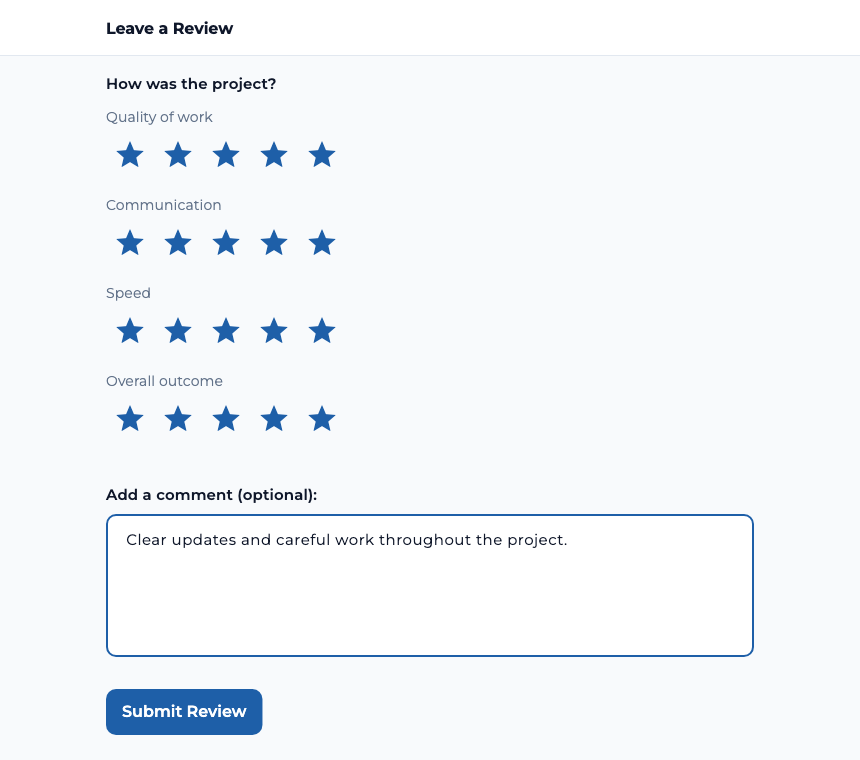
Company owners can turn on Automatically request a review in estimate defaults. With that setting enabled, TaskTied emails the client a review request when the project is marked complete. The emailed link leads the recipient to the review flow for that project and requires the client account that received the request.
Show feedback on the company profile
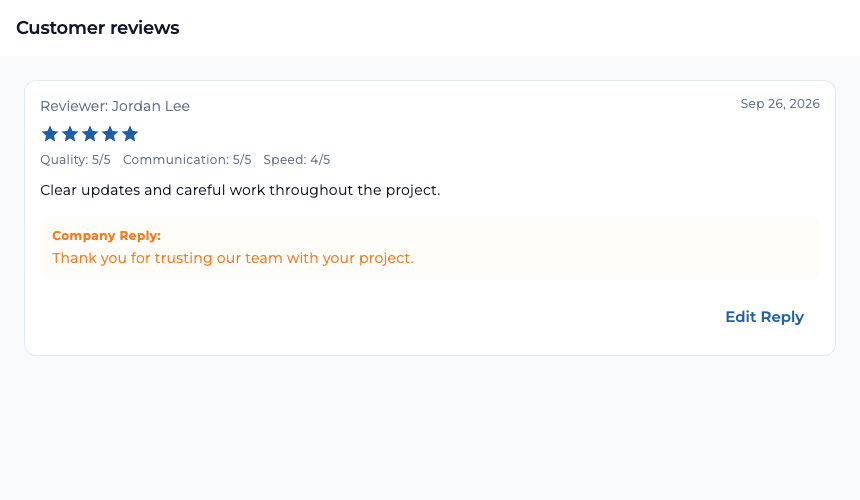
A company profile includes customer reviews and an average rating when reviews are available. A company owner can open the reviews area, add a public reply, or edit an existing reply. That gives prospective and returning clients more context about the team and its work.
Reach people you have worked with
The client Team page collects companies from previous projects automatically. A card shows the company, its rating when available, and the number of shared projects. Open the company to view contact details and its public profile. For a reachable person on that team, choose Message or Schedule appointment to discuss new work.
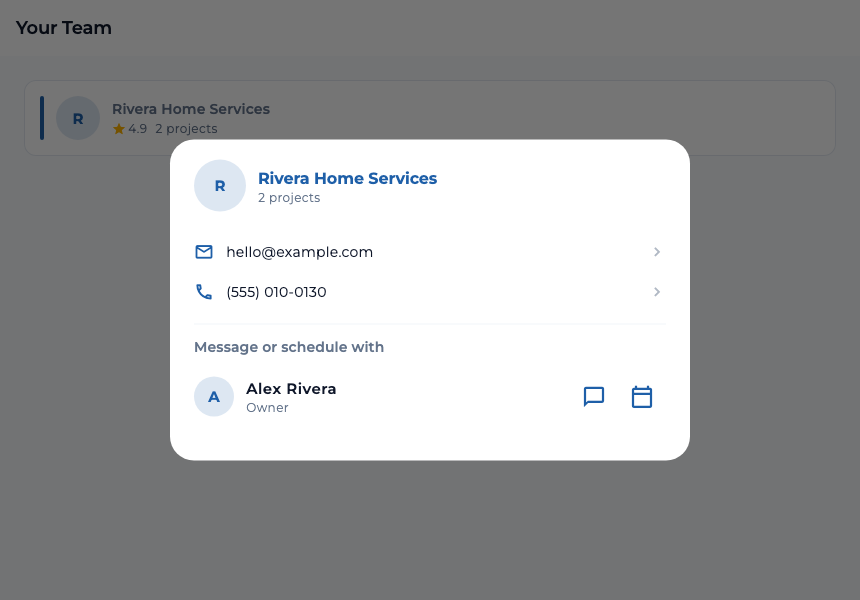
Start by messaging a previous contractor or requesting an appointment to describe the new job. The Team page does not send a bid request directly.